Building SummonNote: Voice-Triggered Notes for Job Interviews
Why I refused to use AI during my job search, and how the pain of frantically searching my notes led to voice-activated recall.
When I was job searching, I knew I didn't want to use real-time AI tools during my interviews.
It wasn't my own voice, and anyone who has interviewed people recently knows how obvious it is when someone is reading AI-generated answers or waiting on an LLM. It kills authenticity and real connection.
So I did what most prepared candidates do: I built a giant document of notes. I had my STAR stories, key metrics, technical examples, and salary talking points all written out.
Then the interview started.
The Problem With "Prepared Notes"
Having a giant list of notes open on your screen sounds great in theory. In practice, it's stressful:
- The interviewer asks a question.
- Your eyes dart around a wall of text.
- You frantically scroll or command-F, trying to find the specific bullet point you wrote three weeks ago.
- While searching, you lose your train of thought, break eye contact, and look disconnected.
It's really hard to concentrate and look like you know what you're talking about when you're frantically hunting through notes while someone is watching you on camera.
I didn't want an AI inventing answers for me — I had already done the work and lived the experiences. I just needed my own prepared thoughts to appear on screen the moment they were relevant, without having to search for them.
The Idea: Voice-Activated Notes
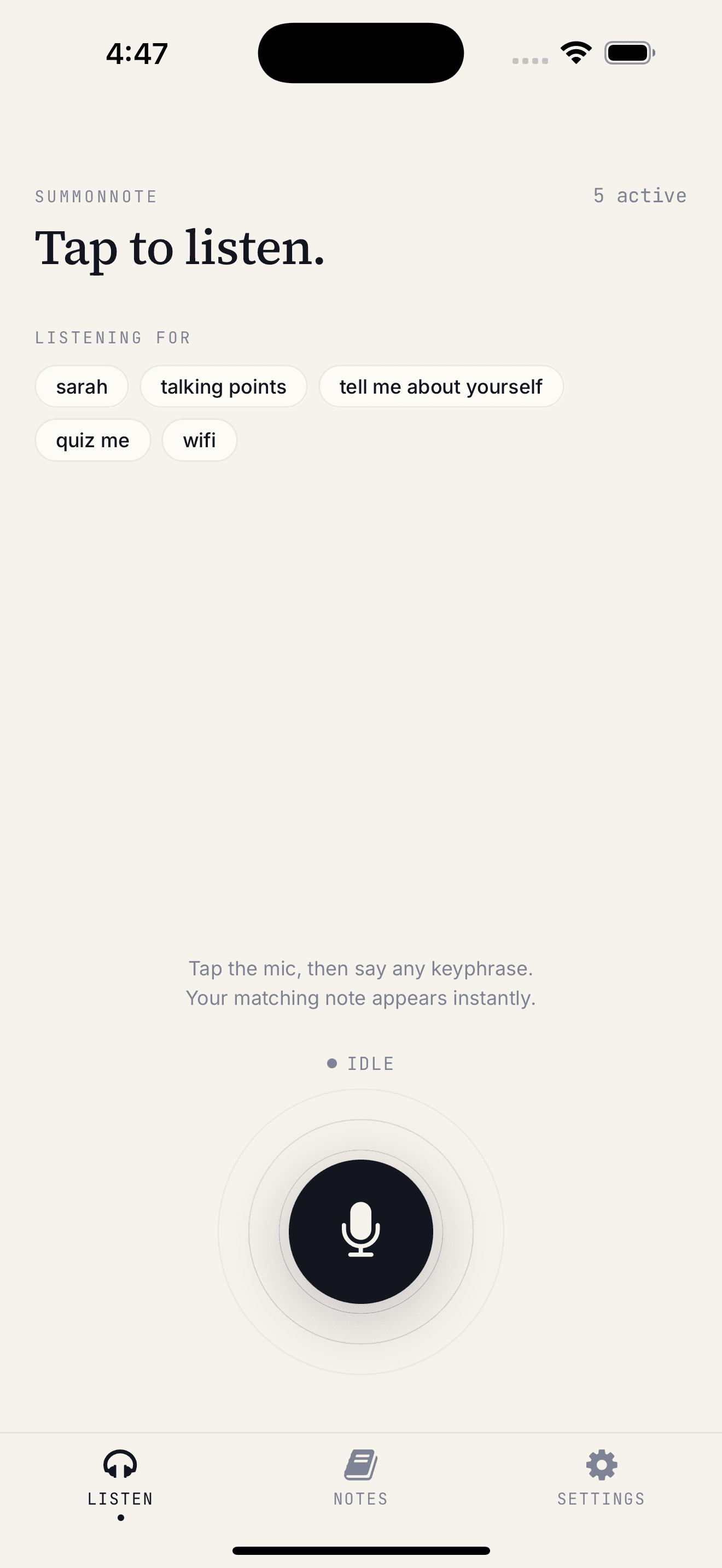
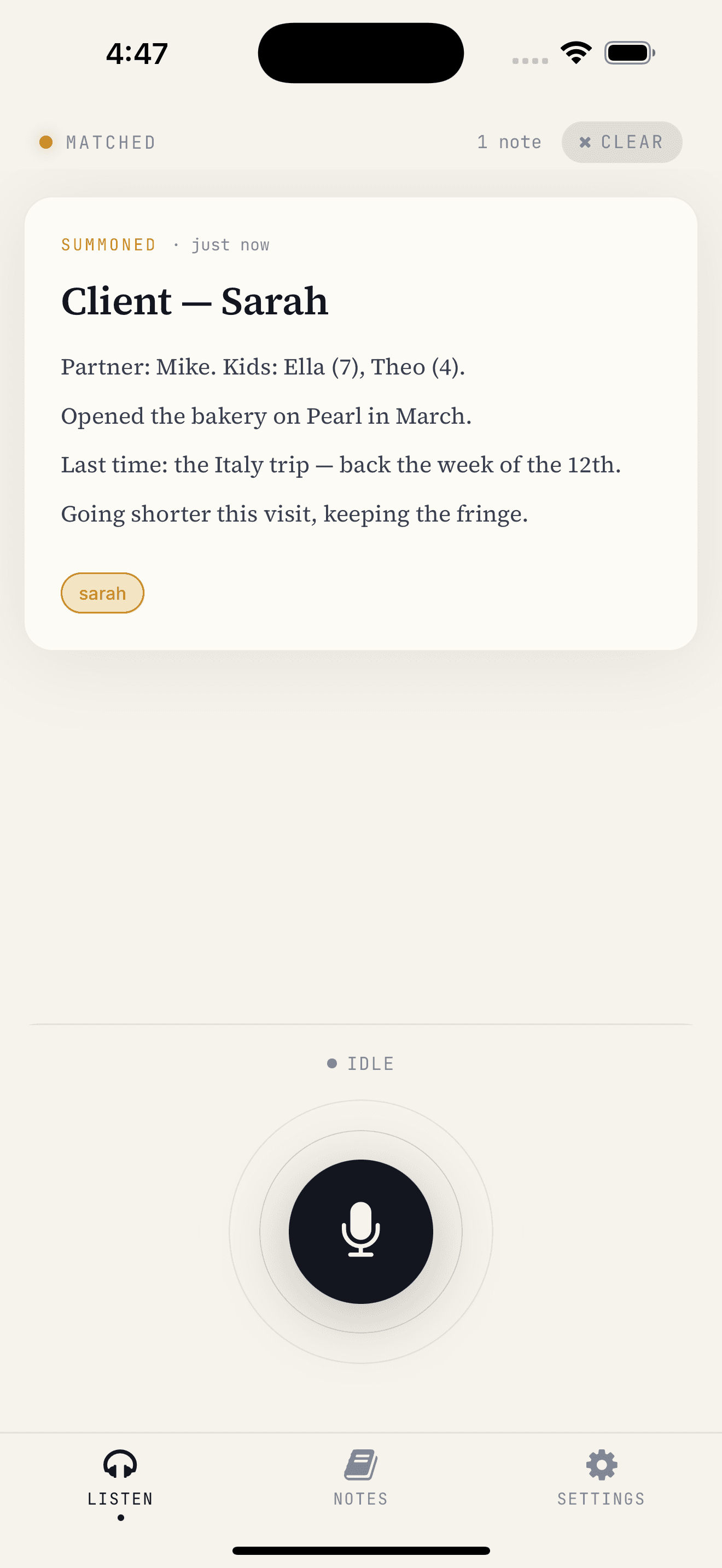
That frustration sparked the idea for SummonNote: what if your notes were voice-activated for specific questions and topics?
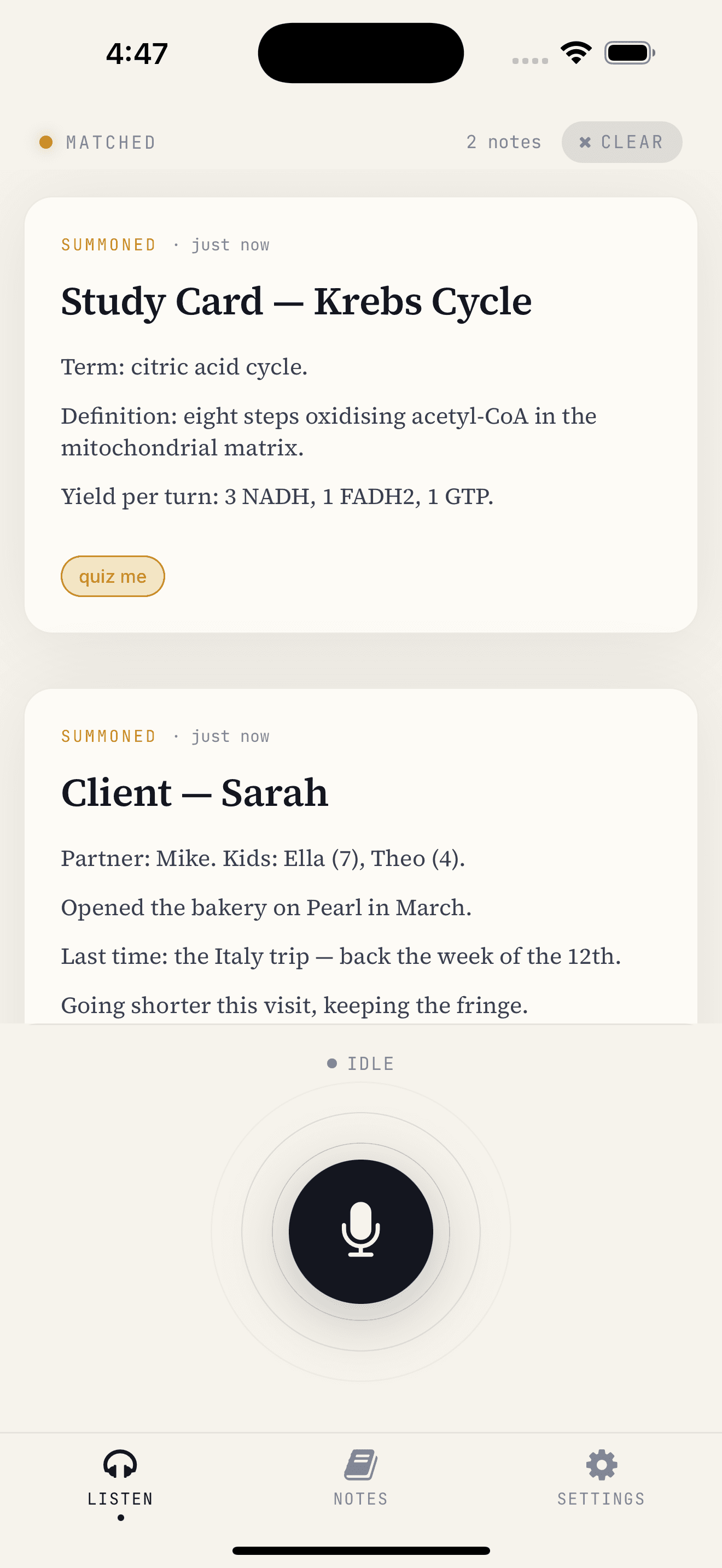
Instead of typing, searching, or scrolling, the app listens quietly in the background on your device. When a question is asked, your prepared note appears automatically on screen.
Two Ways In: The Dual Trigger
Building for real-world interviews revealed an immediate challenge: what happens if the interviewer asks the question using words you didn't anticipate?
To solve this, SummonNote uses a dual-trigger approach:
- Interviewer-Triggered (The Pitch): You tag a note with the phrases interviewers commonly use ("tell me about a time you disagreed", "what is your greatest weakness"). When they speak, your note surfaces before they even finish asking.
- Candidate-Triggered Cue (The Guarantee): Every note also has a single cue word you say yourself ("disagreement", "weakness", "salary"). Restating the question ("So, a time I had a disagreement with a coworker...") is standard interview technique that buys you thinking time — and now it guarantees your note appears on screen even if their phrasing was unexpected.
You never touch your phone. You never break eye contact. You stay completely engaged in the conversation while your notes back you up.
Privacy First: 100% On-Device
In an interview setting, privacy isn't optional.
SummonNote uses on-device speech recognition. Spoken audio is processed locally on your iPhone or iPad — it is never recorded, never sent to the cloud, and never stored on any server.
Beyond Interviews
While the core focus was solving my own interview prep headache, hands-free recall is useful across lots of moments:
- Client Conversations: Tagged with a client's name so their background and project details surface as you greet them.
- Presentations & Talks: A quiet speaking prompter on your desk that tracks your talking points without a screen in front of your face.
- Hands-Free Study & Rehearsal: Speak terms or concepts aloud and quiz yourself without taking your hands off your keyboard.
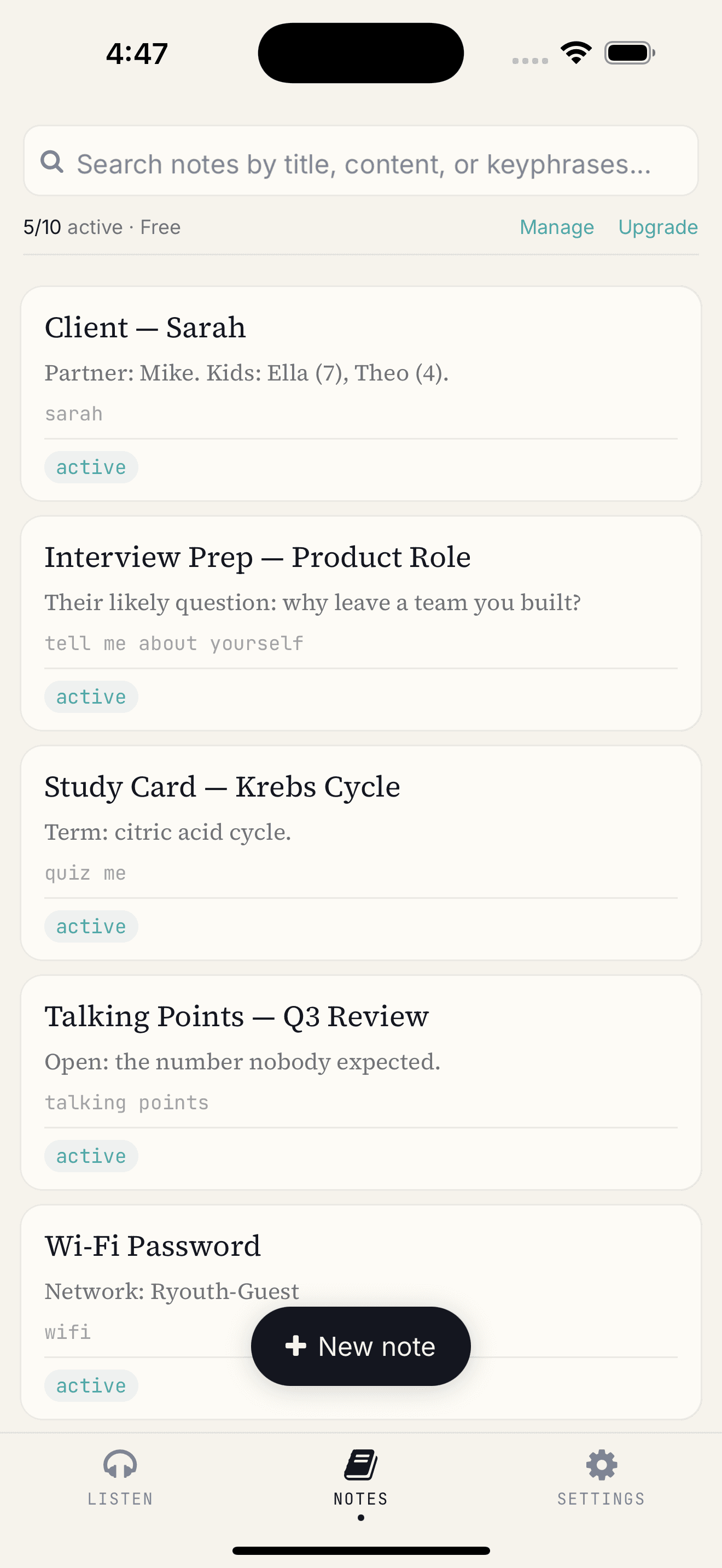
- Everyday Recall: Wi-Fi passwords, gate codes, and quick reference details.
Launching Soon
SummonNote is launching first on the Apple App Store for iOS & iPadOS.
Whether you're propping an iPad next to your monitor during a video call or keeping your iPhone on your desk, it runs quietly in the background.
It comes with a built-in starter bank of 31 standard interview questions across 7 categories. The free tier gives you up to 10 active notes with no time limits. SummonNote Plus unlocks unlimited notes for your entire question bank, backed up privately to your personal iCloud.
If you're gearing up for interviews and want to stay focused on the conversation rather than scrolling through documents, I hope it helps you as much as it helped me.
— Dan